
Make a concept map you can correct
Turn a technical description into a labelled flow without confusing order and causation.
35 minutes estimated—not learner-validated. Original learning materials are free; optional external AI access may require an account, credits or payment.
Start the editable activity →No account needed to begin. Explicit account saving and editable offline export are available in the workspace.
New here? Try the three-activity starter ↗
Why this matters
A hierarchy and a process flow are different diagrams. Ask which relationship each arrow represents, and include alternate or failed paths. Start with a small verified account instead of asking a model to draw the entire internet from memory. A neat diagram can still have the wrong order.
Before you start
Materials are free. External tools may require an adult account, credits, regional eligibility or a paid plan. Check current terms before using them. Do not paste passwords, API keys, private messages or other people’s personal data. No model runs locally or downloads automatically on this platform.
Your illustrated field guide
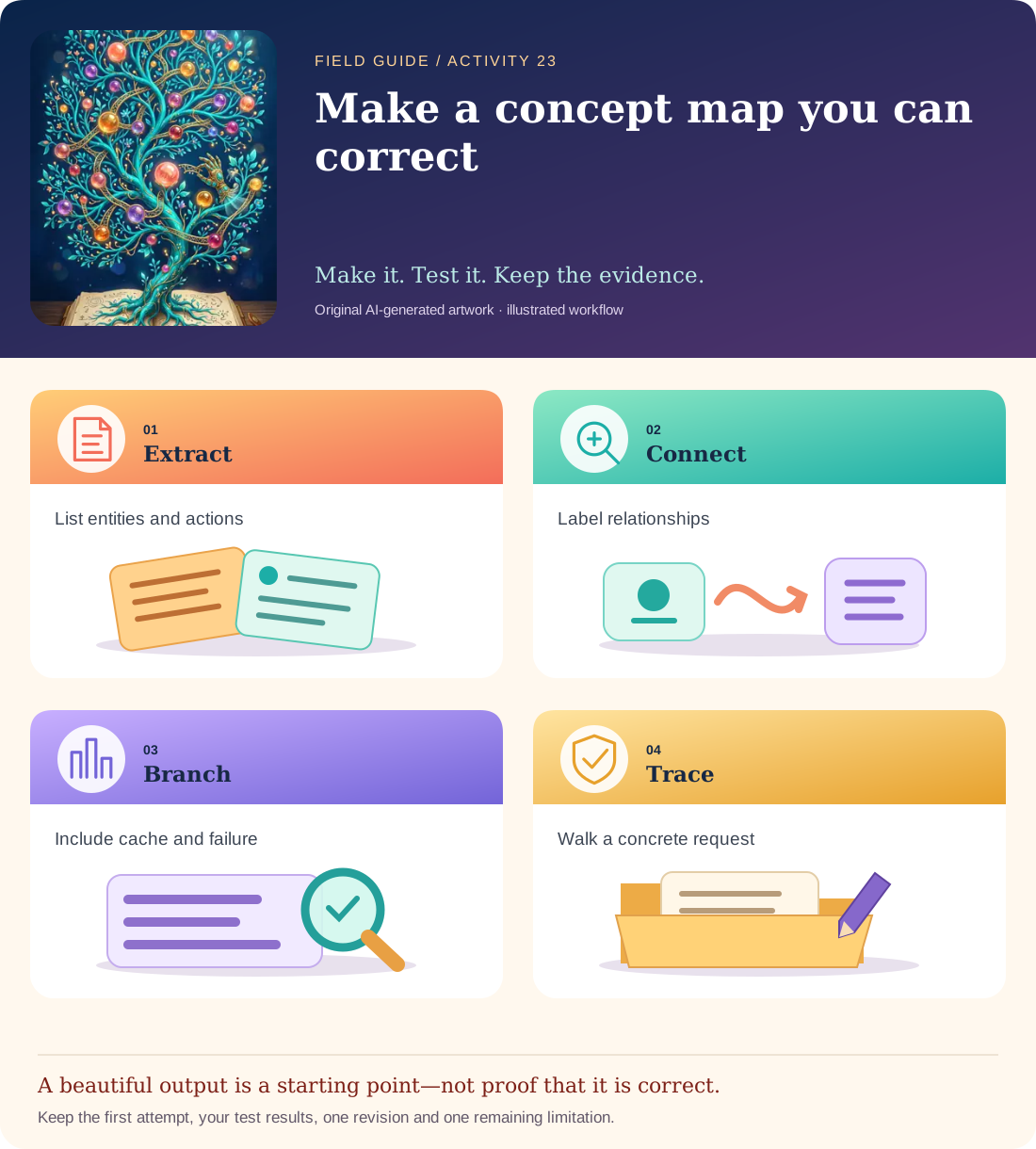
Conceptual illustration, not a provider screenshot. Artwork is AI-generated; instructional labels are authored text.
Start with fictional input
Source sketch: A browser may use a cached address or ask DNS for a server address. It then establishes the needed connection and sends an HTTPS request. A server returns a response. The browser renders content and may request more resources. DNS failure can stop the normal path.
Copy and adapt this prompt
Turn the sketch into a text flow with labelled arrows. Include the cached-address branch and DNS-failure branch. Distinguish “next step” from “part of.” Do not imply DNS downloads the webpage or that one response always completes rendering.
Worked reference—not proof of correctness
Browser → cached address? yes → connect/request; no → DNS lookup → address found? yes → connect/request; no → show error/retry. Response → render → possibly request images/styles. DNS resolves names; it does not serve the page content.
Five practical steps
Identify entities and actions
Make separate lists for browser, DNS, server and response steps.
Generate the text map
Request labelled arrows and both alternate/failure paths.
Trace one success
Walk from typing an address to first rendering; point to every required stage.
Trace one failure
Follow DNS failure without pretending a response was received.
Redraw and explain
Use the visual guide as a model and write a plain-language description of one arrow’s exact meaning.
Test your result
- DNS resolution is distinguished from sending or receiving webpage content.
- The cache and failure branches are present.
- Each arrow has a stated relationship rather than an unexplained decorative connector.
Mistakes to watch for
- Confusing a list of components with an ordered process.
- Removing error branches to make the diagram look simpler.
Offline / no-key route
Write steps on cards and arrange a flow with a cache branch and failure branch.
Reflect
Which arrow would mislead a beginner if it had no label?
Keep your notes, tests and self-review →Self-reported practice is not independent assessment or a qualification. Browse all 50 guides · Choose a tool