
Debug a tiny page with evidence
Ask for a minimal repair, then compare actual browser rendering.
35 minutes estimated—not learner-validated. Original learning materials are free; optional external AI access may require an account, credits or payment.
Start the editable activity →No account needed to begin. Explicit account saving and editable offline export are available in the workspace.
New here? Try the three-activity starter ↗
Why this matters
Browsers often repair broken HTML, so “it looks fine” is not proof that markup is correct. Do not run unfamiliar scripts. This exercise uses a harmless text-formatting fragment and a sandboxed preview with scripting disabled. Keep the fix small enough to explain each tag.
Before you start
Materials are free. External tools may require an adult account, credits, regional eligibility or a paid plan. Check current terms before using them. Do not paste passwords, API keys, private messages or other people’s personal data. No model runs locally or downloads automatically on this platform.
Your illustrated field guide
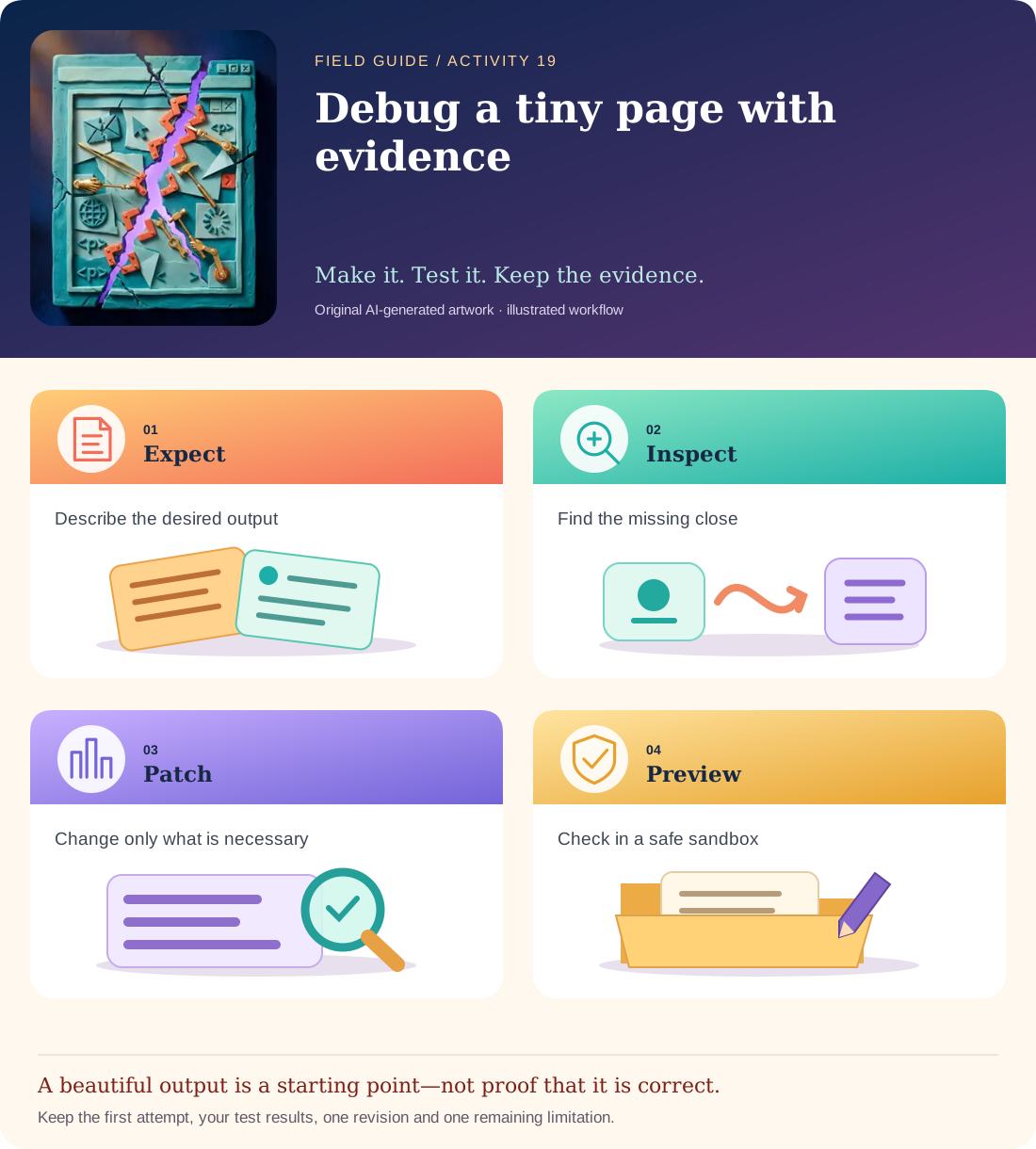
Conceptual illustration, not a provider screenshot. Artwork is AI-generated; instructional labels are authored text.
Start with fictional input
Broken fragment: <p>Welcome <strong>builder</p><p>Try one small experiment.</p>
Desired: only the word “builder” is strongly emphasized; the second paragraph should not inherit emphasis.
Copy and adapt this prompt
Find the unmatched formatting element in this HTML fragment. Return a minimal corrected fragment and a short explanation of the repair. Do not add JavaScript, external links, libraries or unrelated styling. Explain why browser error recovery can make the broken result appear inconsistent.
Worked reference—not proof of correctness
Corrected: <p>Welcome <strong>builder</strong></p><p>Try one small experiment.</p>. The closing strong tag belongs before the first paragraph closes. Browser recovery is not a reliable substitute for a valid structure.
Five practical steps
Write the expected appearance
Specify exactly which word should be emphasized before viewing the model’s answer.
Ask for a minimal patch
Compare the returned fragment with the original; reject unrelated additions.
Preview safely
Use the activity’s script-disabled preview or a plain local HTML file containing only this fragment.
Check a second case
Replace strong with em and repeat the missing-close test. Explain the same structural issue.
Teach back the fix
Annotate opening/closing pairs and describe why a browser might hide the original mistake.
Test your result
- The corrected fragment closes the intended element at the correct point.
- No script, library or external resource is introduced by the repair.
- You compare actual rendering and can explain the matched tag pair.
Mistakes to watch for
- Running arbitrary generated code because it is labelled a fix.
- Accepting a large rewrite that hides the original issue.
Offline / no-key route
Print the snippet and draw lines between opening and closing tags, then sketch the expected rendering.
Reflect
Why can a browser display something useful even when the HTML is malformed?
Keep your notes, tests and self-review →Self-reported practice is not independent assessment or a qualification. Browse all 50 guides · Choose a tool