
The logo iteration loop
Translate vague feedback into testable visual constraints.
45 minutes estimated—not learner-validated. Original learning materials are free; optional external AI access may require an account, credits or payment.
Start the editable activity →No account needed to begin. Explicit account saving and editable offline export are available in the workspace.
New here? Try the three-activity starter ↗
Why this matters
A generated mark is a concept, not a trademark-cleared identity or a production-ready vector. Some generators have a separate negative-prompt field; others need plain-language constraints. Judge the output visually either way. Keep a short design brief fixed and improve one failure at a time.
Before you start
Materials are free. External tools may require an adult account, credits, regional eligibility or a paid plan. Check current terms before using them. Do not paste passwords, API keys, private messages or other people’s personal data. No model runs locally or downloads automatically on this platform.
Your illustrated field guide
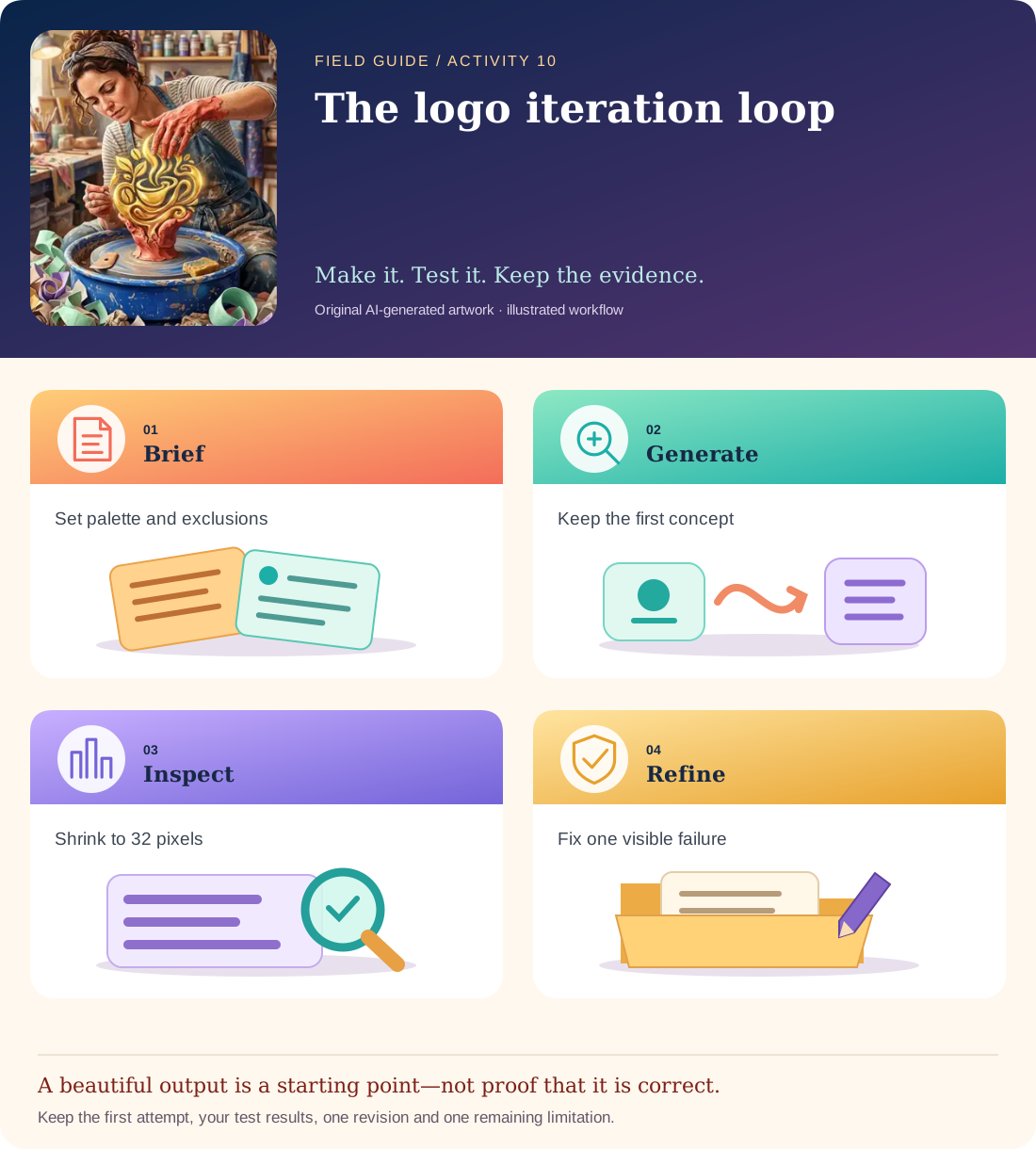
Conceptual illustration, not a provider screenshot. Artwork is AI-generated; instructional labels are authored text.
Start with fictional input
Fictional café: Ember Cup. Desired mark: a warm, welcoming symbol, readable at 32 pixels, two colours, no letters required. Avoid green, coffee-bean silhouettes, real brands and detailed texture.
Copy and adapt this prompt
Create one original symbol concept for a fictional café. Use burgundy and warm cream only. No green, no coffee beans, no text, no gradients or tiny decorative details. The symbol must remain distinguishable at 32 pixels. Suggest an alternative motif such as a cup-shaped sunrise without copying an existing logo.
Worked reference—not proof of correctness
Review record: Version A uses a green leaf and tiny steam lines → fails colour and small-size checks. Revision B uses a two-colour cup/sun outline → passes those checks, but still needs originality/trademark review and vector redrawing.
Five practical steps
Freeze the brief
Write the audience, two colours, size test and forbidden elements before generating.
Make one concept
Save the unedited first result. Do not accept a model’s claim that it followed the constraints.
Inspect at small size
View at 32 and 64 pixels; count colours and look for bean/leaf shapes or accidental letters.
Revise specifically
Say which visible element must change while preserving the rest of the brief.
Document handoff limits
Keep the brief, two versions and test table. Note that legal clearance and production vector work remain undone.
Test your result
- The final concept visually contains no green, beans or unintended text.
- A 32-pixel preview remains recognizable without relying on tiny detail.
- The handoff distinguishes concept development from trademark clearance and production vector delivery.
Mistakes to watch for
- Believing a negative prompt guarantees exclusion.
- Calling an attractive raster concept a finished brand system.
Offline / no-key route
Sketch two symbol concepts in the supplied brief, colour them with the two allowed colours and run the same small-size check.
Reflect
Which revision improved function rather than just personal taste?
Keep your notes, tests and self-review →Self-reported practice is not independent assessment or a qualification. Browse all 50 guides · Choose a tool