
Direct negative space with a measurable brief
Use object size and position as composition requirements rather than vague adjectives.
40 minutes estimated—not learner-validated. Original learning materials are free; optional external AI access may require an account, credits or payment.
Start the editable activity →No account needed to begin. Explicit account saving and editable offline export are available in the workspace.
New here? Try the three-activity starter ↗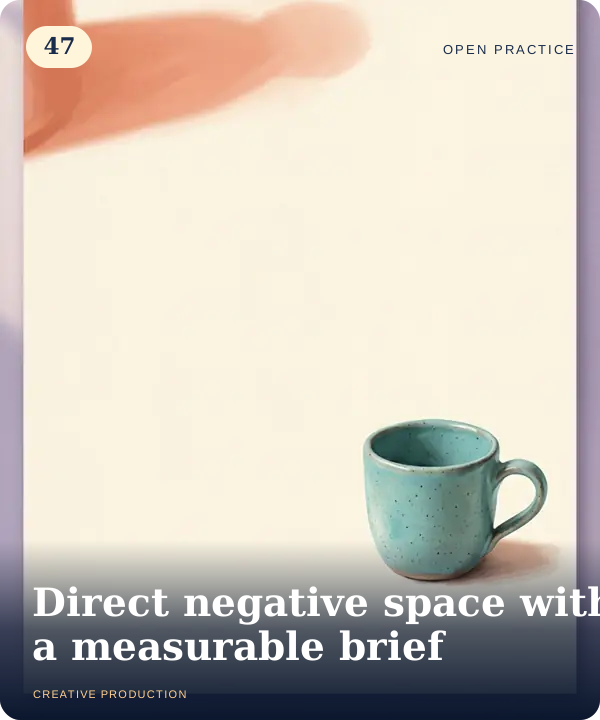
Why this matters
“Minimalist” can describe style without specifying layout. Define the main object, its approximate image area and where empty space belongs. The goal is not a mathematically exact segmentation model: use a rough grid and disclose estimation limits. A usable composition still needs visual hierarchy and an intentional subject.
Before you start
Materials are free. External tools may require an adult account, credits, regional eligibility or a paid plan. Check current terms before using them. Do not paste passwords, API keys, private messages or other people’s personal data. No model runs locally or downloads automatically on this platform.
Your illustrated field guide
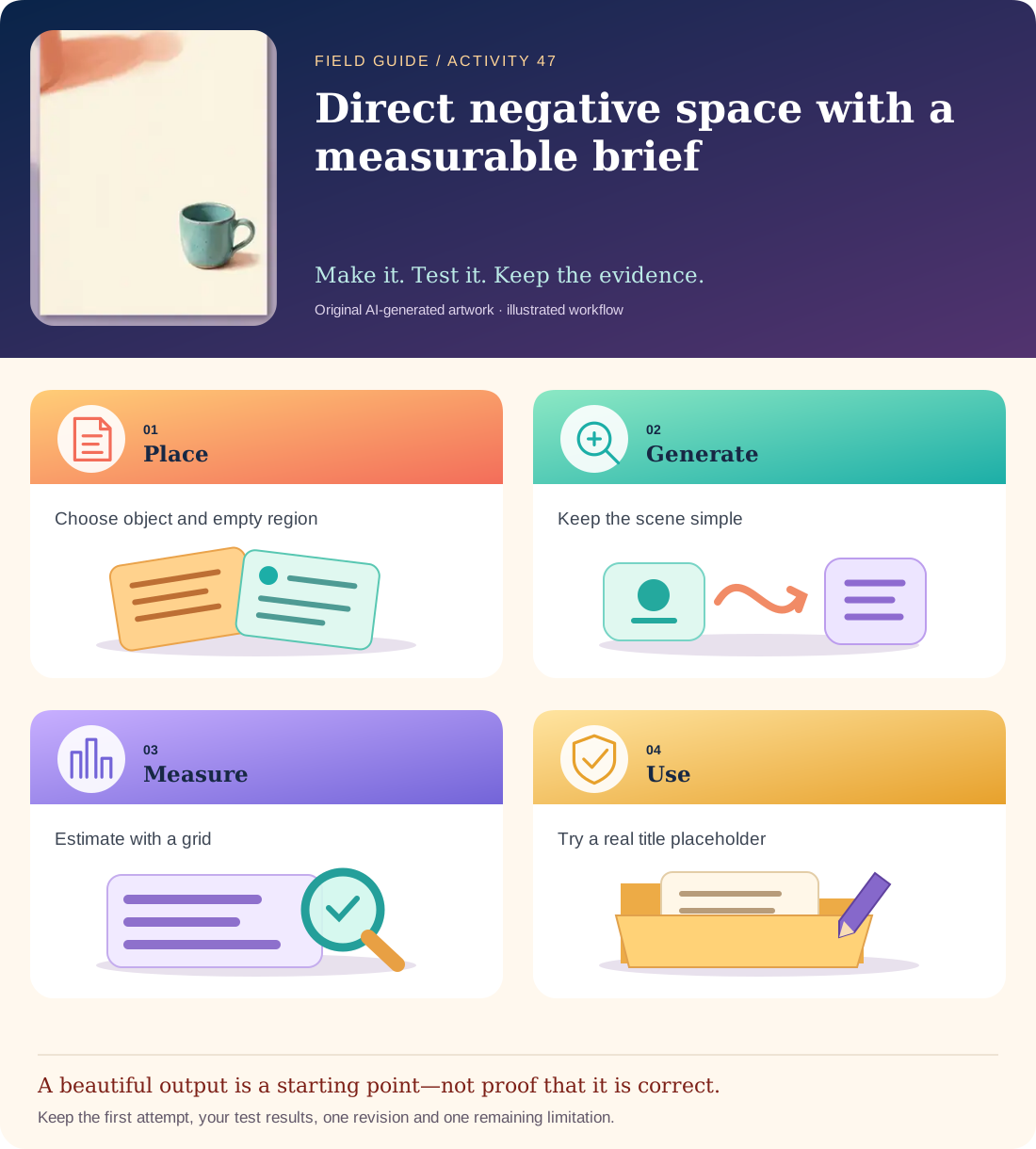
Conceptual illustration, not a provider screenshot. Artwork is AI-generated; instructional labels are authored text.
Start with fictional input
Scene: one plain coffee mug on an off-white background. Mug in the lower-right region; approximately 5–10% of frame area. Keep the upper-left two-thirds open for a future title, but do not generate any text or logo.
Copy and adapt this prompt
Create one original minimal flat-lay image with a single plain mug in the lower-right. Use soft daylight and a solid warm off-white background. The mug should occupy roughly 5–10% of the full image area. Keep the upper-left two-thirds visually empty. No text, logos, extra props or dramatic texture.
Worked reference—not proof of correctness
Overlaying a simple 10×10 grid helps estimate occupied area. A mug spanning about 2×3 cells has a bounding area around 6%, though its actual silhouette is smaller. A large shadow or extra spoon may interfere with the intended title space.
Five practical steps
Specify the layout
Write size, position and empty-region requirements before generating.
Create one image
Keep the original prompt/settings and the unedited output.
Estimate with a grid
Approximate the object’s bounding area and note shadow/shape limitations.
Test the empty region
Place a temporary text box in a separate editor to see whether the intended title area is usable.
Refine the weakest condition
Adjust scale or positioning language once, retaining both versions for comparison.
Test your result
- The output contains exactly one mug and no text or unwanted props.
- The area estimate and its bounding-box limitation are documented.
- The upper-left title region is demonstrably usable, not merely described as minimalist.
Mistakes to watch for
- Treating “minimalist” as a precise placement instruction.
- Claiming exact object-area measurement from a rough visual estimate.
Offline / no-key route
Draw the scene on a 10×10 grid and reserve the title region before choosing the mug size.
Reflect
Did the shadow consume more useful space than the mug itself?
Keep your notes, tests and self-review →Self-reported practice is not independent assessment or a qualification. Browse all 50 guides · Choose a tool