
Expand an image without pretending it is evidence
Review generated extensions for continuity and fabricated context.
45 minutes estimated—not learner-validated. Original learning materials are free; optional external AI access may require an account, credits or payment.
Start the editable activity →No account needed to begin. Explicit account saving and editable offline export are available in the workspace.
New here? Try the three-activity starter ↗
Why this matters
Outpainting invents pixels outside the original frame. A plausible extension does not reveal what really existed there. Use an original object photo with no private setting or people, preserve an unedited source, and inspect the join, perspective, lighting and unwanted objects. Availability may require paid credits.
Before you start
Materials are free. External tools may require an adult account, credits, regional eligibility or a paid plan. Check current terms before using them. Do not paste passwords, API keys, private messages or other people’s personal data. No model runs locally or downloads automatically on this platform.
Your illustrated field guide
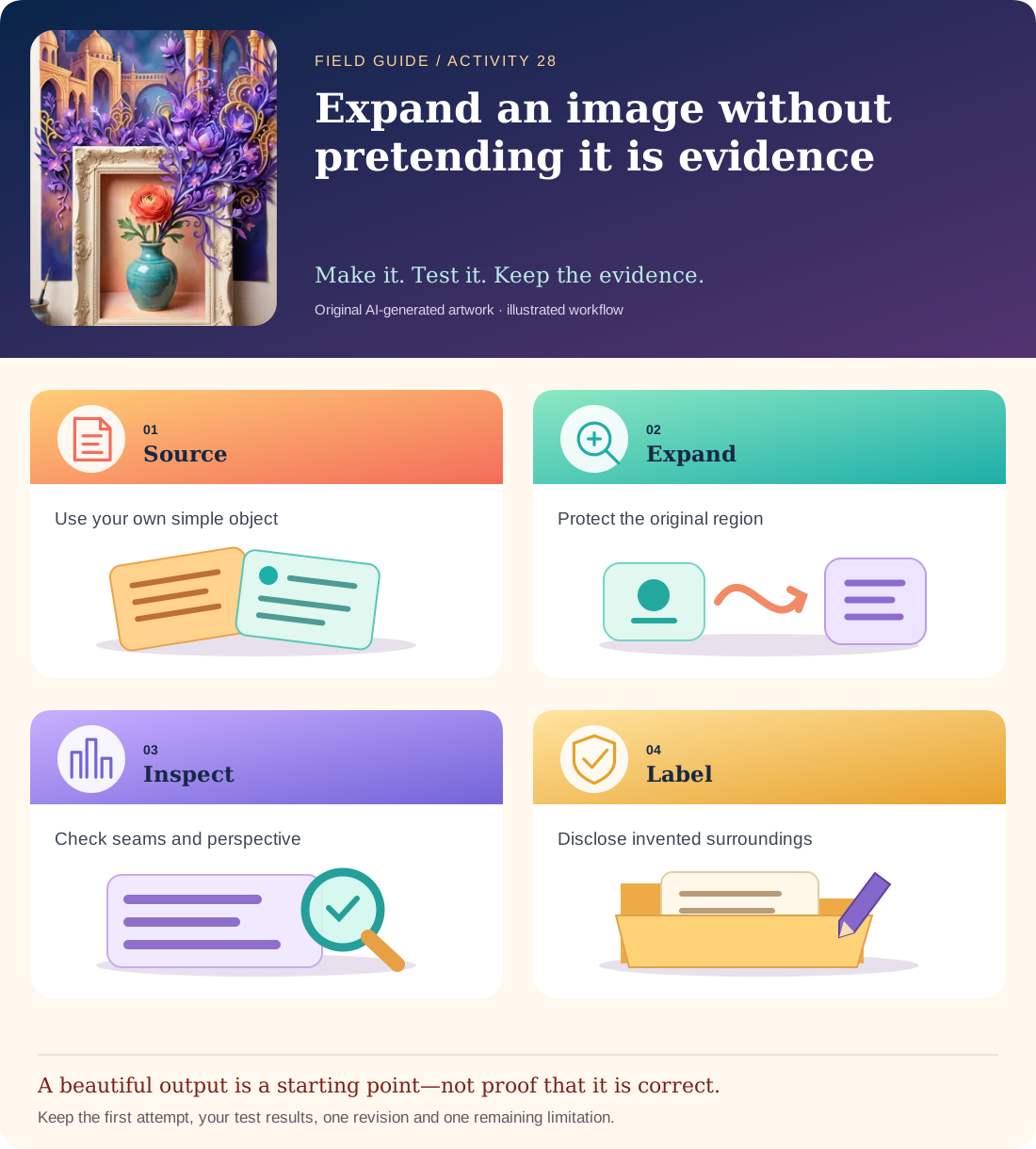
Conceptual illustration, not a provider screenshot. Artwork is AI-generated; instructional labels are authored text.
Start with fictional input
Make an original close-up photo of a plain mug on a table against an empty wall. Desired extension: more of the same tabletop and wall, with no people, documents, logos, windows or new objects. Keep the original mug unchanged.
Copy and adapt this prompt
Expand the canvas around this original object photo. Continue the table plane, wall colour, lighting direction and camera perspective. Preserve the original mug. Do not add people, writing or identifiable places. The extension is fictional generated context, not a reconstruction of the real room.
Worked reference—not proof of correctness
A review may find a table edge bending at the seam, duplicated handles or a new window. Those are continuity/constraint failures. Even a seamless extension must be labelled edited/generated, not documentary evidence of the actual room.
Five practical steps
Choose a safe source
Use your own object photograph and remove personal information from the frame.
Preserve the original
Keep the uncropped source and note the intended canvas boundary.
Generate the extension
Change only the blank surroundings; check the actual tool’s export and credit terms.
Inspect at the seam
Zoom in on table lines, shadows, mug shape and invented objects. Compare with the source.
Label the output
Save an edited-image note describing which region is generated and what remains uncertain.
Test your result
- An untouched source and the edited output are both retained.
- The join, lighting, perspective and protected mug are checked explicitly.
- The extension is labelled fictional generated content, not a record of the original room.
Mistakes to watch for
- Using a private room, face or document without consent.
- Treating a plausible extension as a recovered historical photograph.
Offline / no-key route
Draw the proposed extended canvas and annotate continuity checks; label it a plan, not an edited photograph.
Reflect
Which added detail could someone wrongly interpret as a fact about the original setting?
Keep your notes, tests and self-review →Self-reported practice is not independent assessment or a qualification. Browse all 50 guides · Choose a tool