
Read a SQL query against known totals
Translate a data question into a query and check boundaries against a tiny fixture.
45 minutes estimated—not learner-validated. Original learning materials are free; optional external AI access may require an account, credits or payment.
Start the editable activity →No account needed to begin. Explicit account saving and editable offline export are available in the workspace.
New here? Try the three-activity starter ↗
Why this matters
Generated SQL is not safe to run against an unfamiliar production database. Use a read-only fictional table or a spreadsheet calculation as the reference. Define the SQL dialect, timestamp storage and date range explicitly. A query that looks plausible can include the wrong year or country, or mishandle missing rows.
Before you start
Materials are free. External tools may require an adult account, credits, regional eligibility or a paid plan. Check current terms before using them. Do not paste passwords, API keys, private messages or other people’s personal data. No model runs locally or downloads automatically on this platform.
Your illustrated field guide
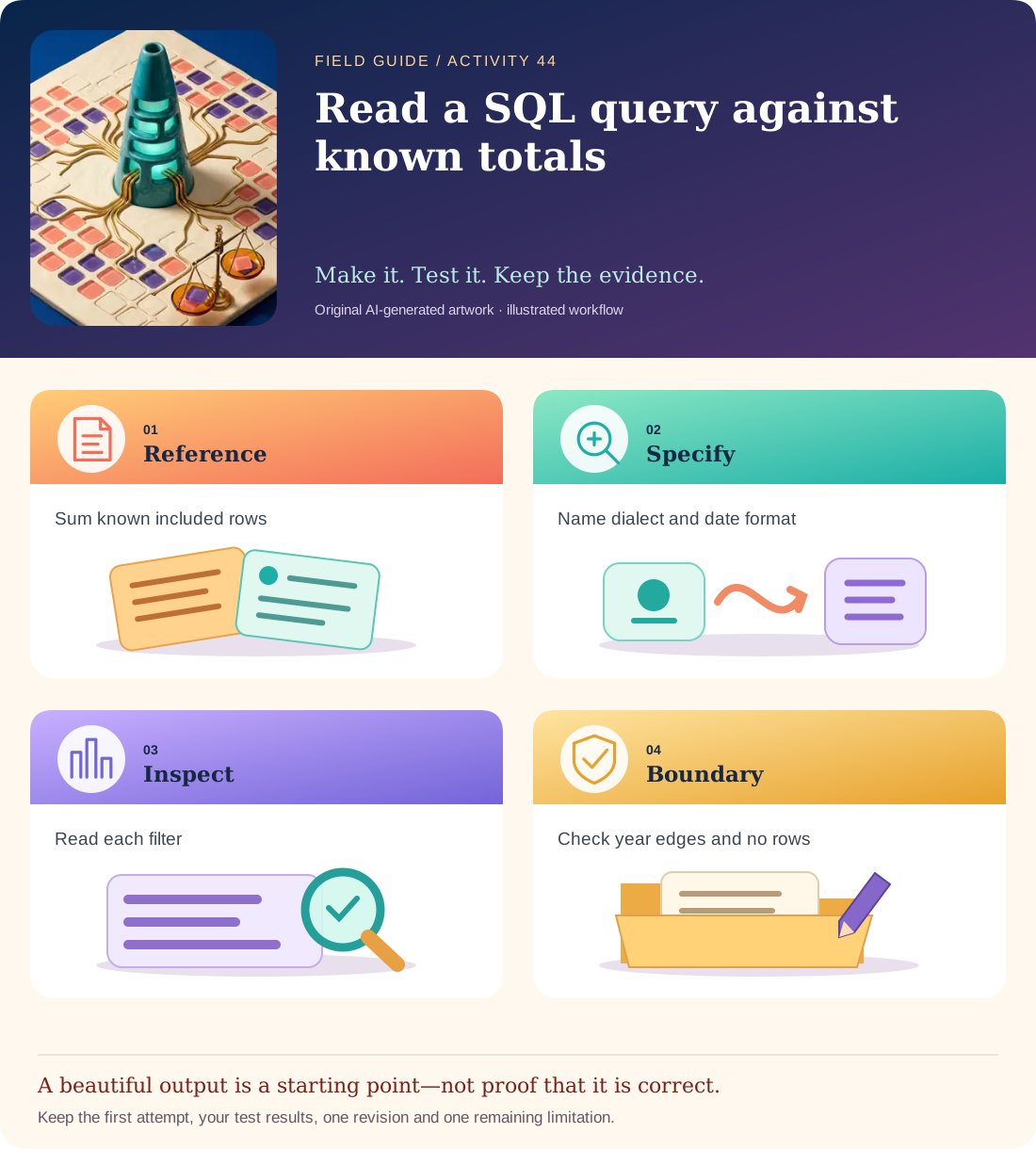
Conceptual illustration, not a provider screenshot. Artwork is AI-generated; instructional labels are authored text.
Start with fictional input
sales rows: 2024-12-31, 50, Canada; 2025-01-01, 100, Canada; 2025-06-10, 25.50, Canada; 2025-12-31, 10, Canada; 2026-01-01, 200, Canada; 2025-08-01, 99, Kenya. Dates are ISO date strings; amounts are fictional USD.
Copy and adapt this prompt
For a SQLite table sales(date TEXT, amount REAL, country TEXT), write one read-only SELECT for total Canada sales in calendar year 2025. Use a half-open date range from 2025-01-01 inclusive to 2026-01-01 exclusive. Explain each filter and how an empty set should be displayed. Do not modify any data.
Worked reference—not proof of correctness
Reference: SELECT COALESCE(SUM(amount),0) AS total FROM sales WHERE country = 'Canada' AND date >= '2025-01-01' AND date < '2026-01-01'; expected fixture total 135.50. The 2024, 2026 and Kenya rows must be excluded. REAL arithmetic is not a recommendation for production accounting.
Five practical steps
Calculate a manual reference
Mark the three included Canada/2025 rows and sum them in a spreadsheet or on paper.
Specify dialect and storage
State SQLite and ISO date strings so the model does not guess functions or timezone semantics.
Inspect the generated query
Confirm it is a single SELECT with the exact country and half-open date range.
Check boundary cases
Test how the query treats the first and last included dates, 2026-01-01 and an absent country.
Execute only if safe
Optionally use a disposable read-only sample database. Otherwise label the artifact reviewed but not SQL-executed.
Test your result
- The manually verified total is 135.50 and the excluded rows are listed.
- Date boundaries include all 2025 dates but exclude 2026-01-01.
- The report names dialect/storage assumptions and does not claim execution unless it happened.
Mistakes to watch for
- Running generated queries against a live database with write permissions.
- Using a locale-dependent date format or silently assuming a timezone.
Offline / no-key route
Filter the supplied rows in a spreadsheet or on paper and compare the result with the proposed SQL.
Reflect
Why is “before 2026-01-01” safer than guessing the final time of 31 December?
Keep your notes, tests and self-review →Self-reported practice is not independent assessment or a qualification. Browse all 50 guides · Choose a tool