
Untangle an email thread into decisions
Identify the latest decision, owner and deadline without treating every suggestion as agreement.
35 minutes estimated—not learner-validated. Original learning materials are free; optional external AI access may require an account, credits or payment.
Start the editable activity →No account needed to begin. Explicit account saving and editable offline export are available in the workspace.
New here? Try the three-activity starter ↗
Why this matters
Threads contain reversals, quoted older messages and different time zones. Work from the most recent relevant message while preserving the decision trail. The aim is a reviewable table, not an automatically sent message. Use fictional correspondence rather than a real private thread.
Before you start
Materials are free. External tools may require an adult account, credits, regional eligibility or a paid plan. Check current terms before using them. Do not paste passwords, API keys, private messages or other people’s personal data. No model runs locally or downloads automatically on this platform.
Your illustrated field guide
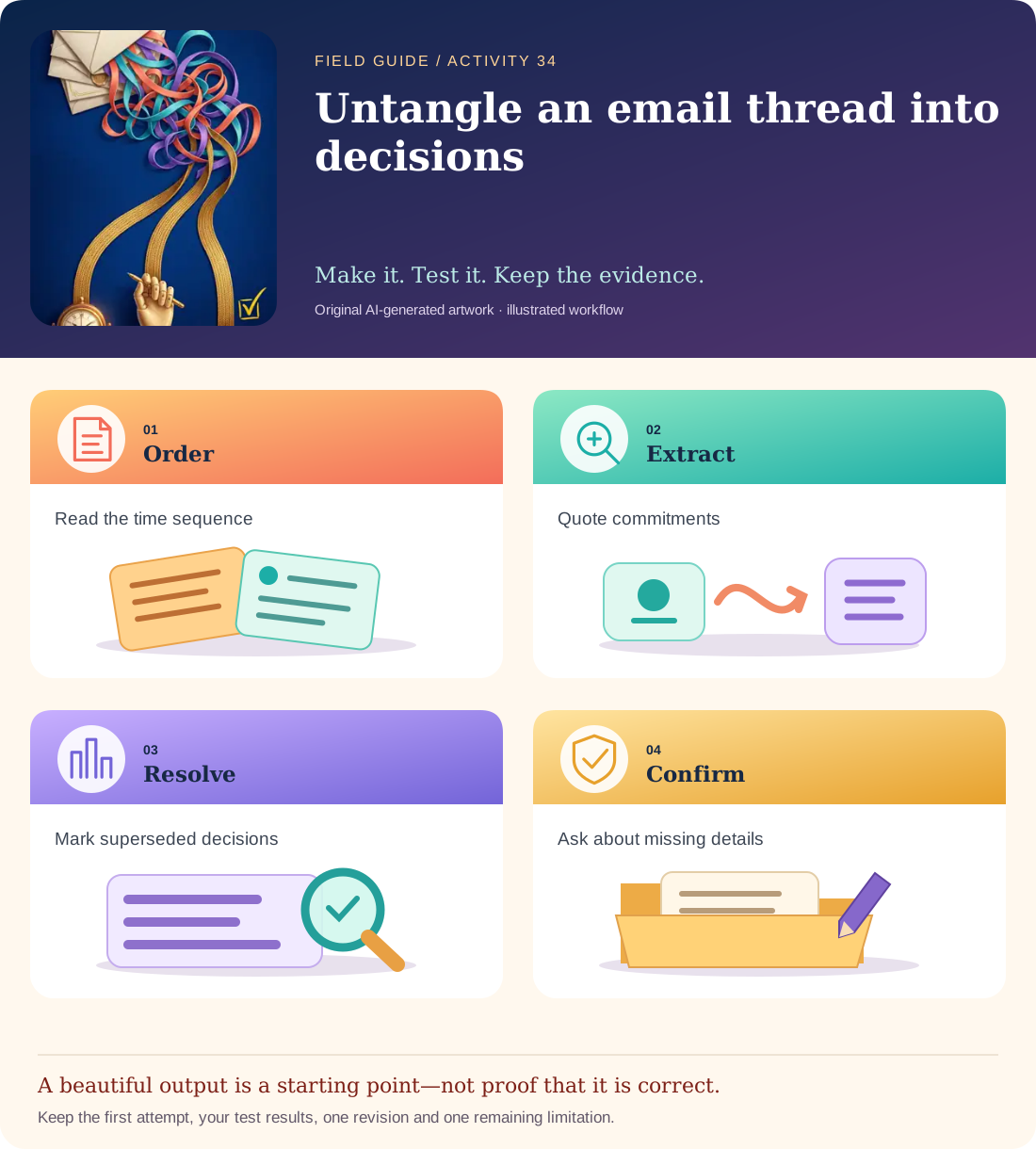
Conceptual illustration, not a provider screenshot. Artwork is AI-generated; instructional labels are authored text.
Start with fictional input
09:00 Nia: “Could we launch Friday? Tari, could you check the copy?” 10:00 Tari: “I can check it Thursday by 15:00 CAT.” 11:00 Nia: “Friday is postponed. We need finance approval first.” 12:00 Jo: “I will ask finance today; no launch date is approved yet.”
Copy and adapt this prompt
Create a table of current action, owner, agreed deadline, status and supporting message/time. Separate proposals, accepted tasks, blockers and superseded decisions. List the main friction points. Do not invent an approved launch date or send any messages.
Worked reference—not proof of correctness
Copy review | Tari | Thursday 15:00 CAT | accepted. Finance inquiry | Jo | today, relative to thread date | accepted. Launch | date not approved | blocked by finance. Friday’s proposed launch is superseded, not still a commitment.
Five practical steps
Order the messages
Record the thread date if known and distinguish message times from task deadlines.
Extract current actions
Keep owners, statuses and exact supporting quotations.
Resolve reversals
Mark the Friday proposal superseded rather than leaving two active launch dates.
Find missing information
Note that “today” needs the actual thread date and that finance has not approved anything.
Draft a confirmation
Write a review-only summary asking for the missing date, not a claim that the project is ready.
Test your result
- The latest no-approved-launch-date decision supersedes the Friday suggestion.
- Accepted tasks retain the correct owner and deadline, including time zone.
- Relative dates and missing approvals stay unresolved instead of being guessed.
Mistakes to watch for
- Copying the oldest quoted suggestion as the current decision.
- Turning an assigned inquiry into an approved business outcome.
Offline / no-key route
Make an action ledger manually from the four time-stamped messages.
Reflect
Which sentence changed the project state rather than merely adding information?
Keep your notes, tests and self-review →Self-reported practice is not independent assessment or a qualification. Browse all 50 guides · Choose a tool