
From AI mockup to usable wireframe
Turn an image concept into a labelled, testable interface plan.
45 minutes estimated—not learner-validated. Original learning materials are free; optional external AI access may require an account, credits or payment.
Start the editable activity →No account needed to begin. Explicit account saving and editable offline export are available in the workspace.
New here? Try the three-activity starter ↗
Why this matters
An attractive image is not a working app, and image-generated text is often unreliable. Start with a single user task and a content hierarchy. Use an image generator optionally for visual exploration, then redraw the actual labels and focus order in a simple document or design tool.
Before you start
Materials are free. External tools may require an adult account, credits, regional eligibility or a paid plan. Check current terms before using them. Do not paste passwords, API keys, private messages or other people’s personal data. No model runs locally or downloads automatically on this platform.
Your illustrated field guide
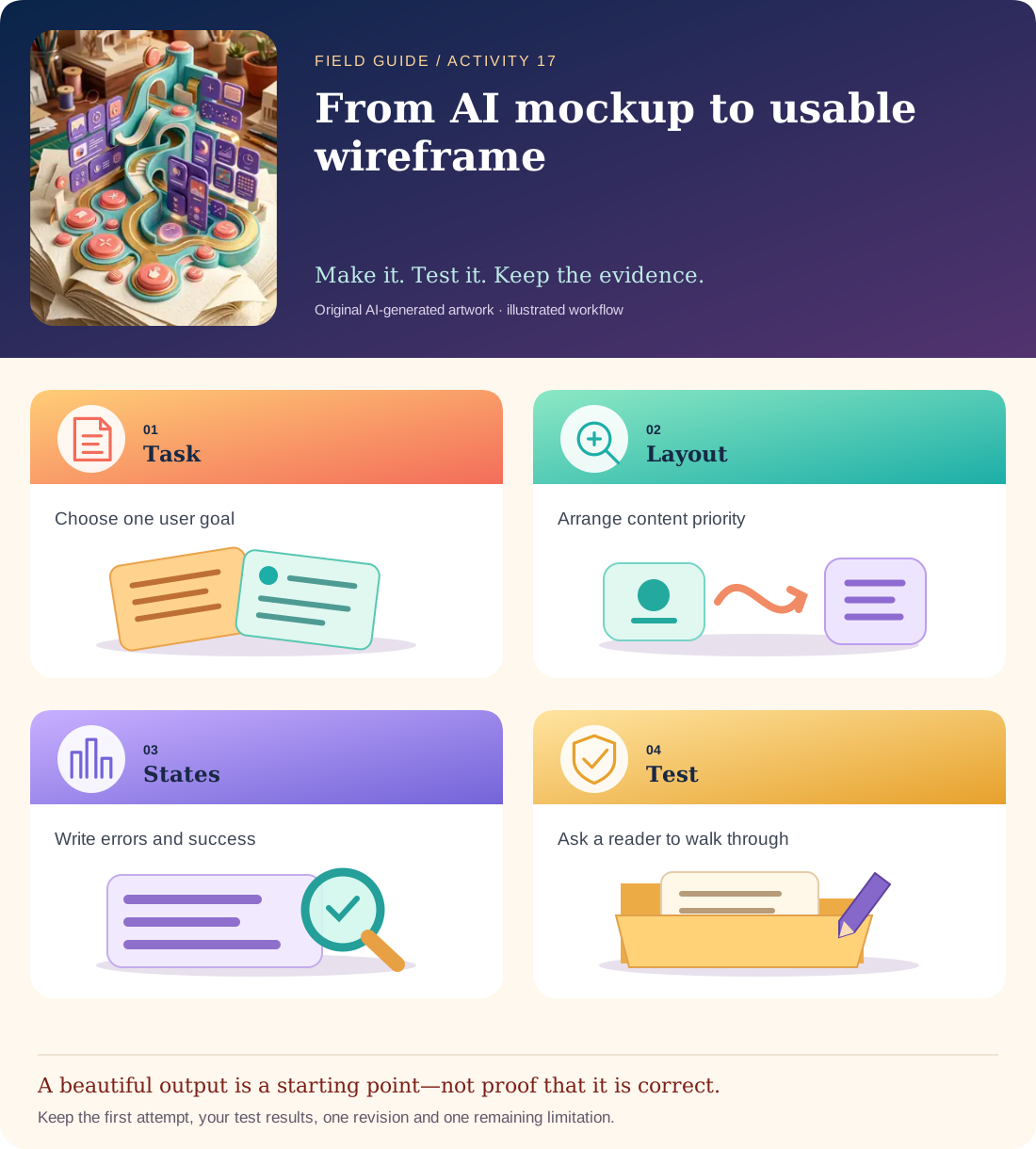
Conceptual illustration, not a provider screenshot. Artwork is AI-generated; instructional labels are authored text.
Start with fictional input
Fictional task: a beginner wants to log a ten-minute walk. Screen needs: activity name, duration, save action, cancel action and a confirmation/error state. No calorie estimate, health claim, account details or personal location is needed.
Copy and adapt this prompt
Propose a mobile wireframe for logging a walk. Put the task title first, labelled duration field second, primary Save activity action third and a secondary Cancel action nearby. Specify empty, invalid and success states in text. If creating an image, use placeholder blocks, not claims that the rendered text or interface is accessible.
Worked reference—not proof of correctness
A usable specification says: duration accepts a positive number of minutes; blank shows “Enter a duration”; zero shows “Use more than zero minutes”; success says “Walk saved: 10 minutes.” A pretty image with an unlabeled number field fails.
Five practical steps
Define the task
Write what the person must complete in one sentence and remove unrelated features.
Explore one concept
Generate a layout description or optional image; keep it labelled as a concept.
Make a real wireframe
Replace image text with editable labels and write each control’s purpose.
Walk through failures
Try blank, zero and valid duration on paper; map the exact messages and next actions.
Test with a reader
Ask someone to identify the primary action and explain what happens next without your coaching.
Test your result
- Every field has an explicit editable label and a described purpose.
- Empty, invalid and success states are specified, not merely drawn.
- The report calls the image a mockup, not a functional or accessibility-certified interface.
Mistakes to watch for
- Judging usability from visual polish alone.
- Assuming dark mode or high contrast guarantees accessibility.
Offline / no-key route
Draw a labelled paper wireframe and run the same three-state walkthrough with a reader.
Reflect
Which missing state did the image fail to show?
Keep your notes, tests and self-review →Self-reported practice is not independent assessment or a qualification. Browse all 50 guides · Choose a tool