
Test competing visual instructions
Separate wording emphasis from model-specific prompt weighting syntax.
45 minutes estimated—not learner-validated. Original learning materials are free; optional external AI access may require an account, credits or payment.
Start the editable activity →No account needed to begin. Explicit account saving and editable offline export are available in the workspace.
New here? Try the three-activity starter ↗
Why this matters
“Massive” and “tiny” describe relationships, but a generator may interpret them unpredictably. Numerical weighting syntax is provider-specific and may be ignored entirely. Start with plain language and inspect the image; do not claim a model used a weighting mechanism merely because you typed special punctuation.
Before you start
Materials are free. External tools may require an adult account, credits, regional eligibility or a paid plan. Check current terms before using them. Do not paste passwords, API keys, private messages or other people’s personal data. No model runs locally or downloads automatically on this platform.
Your illustrated field guide
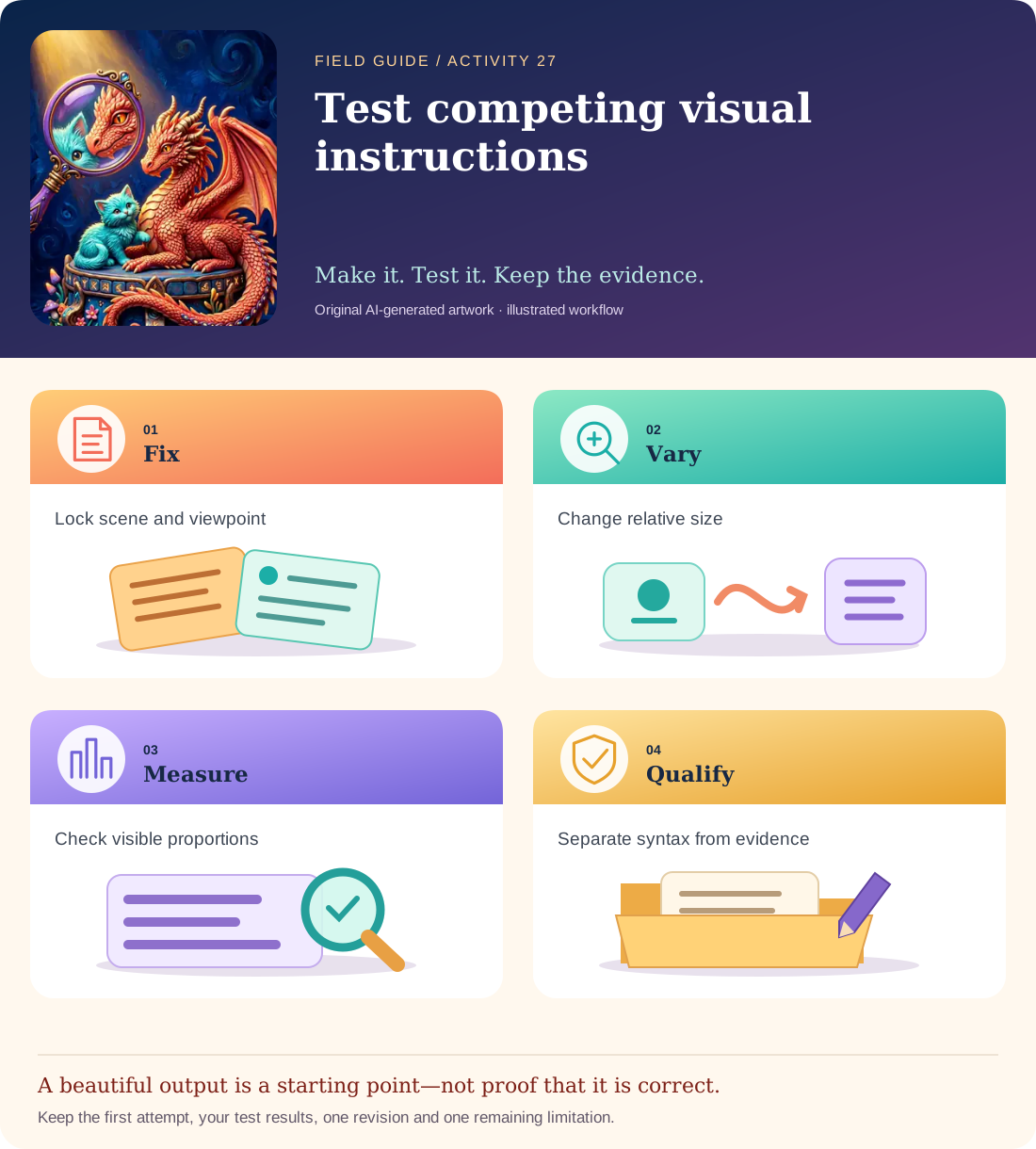
Conceptual illustration, not a provider screenshot. Artwork is AI-generated; instructional labels are authored text.
Start with fictional input
Scene: a small kitten beside a large fictional dragon in a wide empty courtyard. Both subjects must be fully visible. Compare: dragon twice the kitten’s height; dragon ten times the kitten’s height; kitten larger than dragon.
Copy and adapt this prompt
Create one original illustration of the specified scene. Keep both subjects fully visible at the same distance from the camera. Change only their relative height: [chosen condition]. No text, logos, recognizable characters or extra animals.
Worked reference—not proof of correctness
A test sheet measures the approximate visible height ratio and notes perspective or cropping. If the dragon is mostly off-frame, it does not demonstrate a controlled 10:1 size relationship. The result may be a failed condition, not an artistic success.
Five practical steps
Fix scene and framing
Keep viewpoint, courtyard and subject count constant.
Vary one relationship
Generate the three plain-language size conditions and record model/settings.
Measure visibly
Estimate each subject’s height from the image and note perspective/cropping.
Try one supported control
Only if provider documentation describes weights, test that syntax separately from the language experiment.
Report limits
Retain failed images and distinguish observed results from assumptions about model internals.
Test your result
- Both subjects are visible in each scored result, or cropping is explicitly recorded as a failure.
- Only the size relationship changes in the primary prompt comparison.
- Provider-specific weighting is not presented as universal or inferred from appearance alone.
Mistakes to watch for
- Treating arbitrary punctuation as a cross-provider weighting standard.
- Confusing foreground perspective with actual relative size.
Offline / no-key route
Make three simple silhouette sketches and measure the height ratios manually.
Reflect
How did perspective make the size comparison harder?
Keep your notes, tests and self-review →Self-reported practice is not independent assessment or a qualification. Browse all 50 guides · Choose a tool